
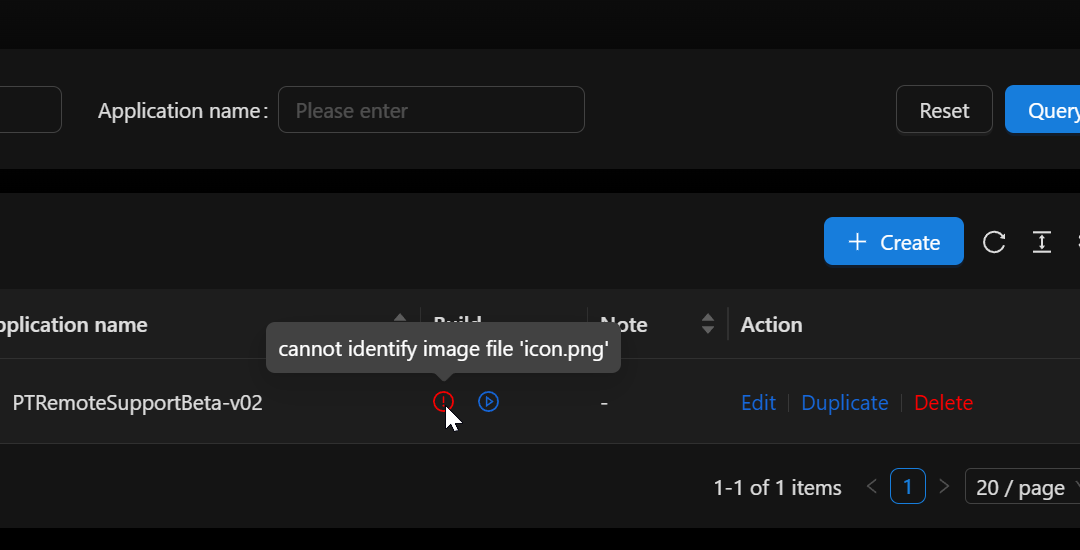
If you use a Self-hosted RustDesk server for your remote support needs and you’ve ran into an issue with having the client accept a PNG file you specified for a custom client build – Specifically the error below:
cannot identify image file ‘icon.png’
The image you’re attempting to use may be carrying more information that Rustdesk wants or needs.
The quickest and cleanest way to mitigate this is to load the image file into GIMP and then strip it down via a fresh export.
You don’t have GIMP? Click here to get it and then come back.
You don’t know what GIMP is? No worries. GIMP is basically “Photoshop” for people who prefer to have software they don’t need to pay for indefinitely when they have a choice in the matter.
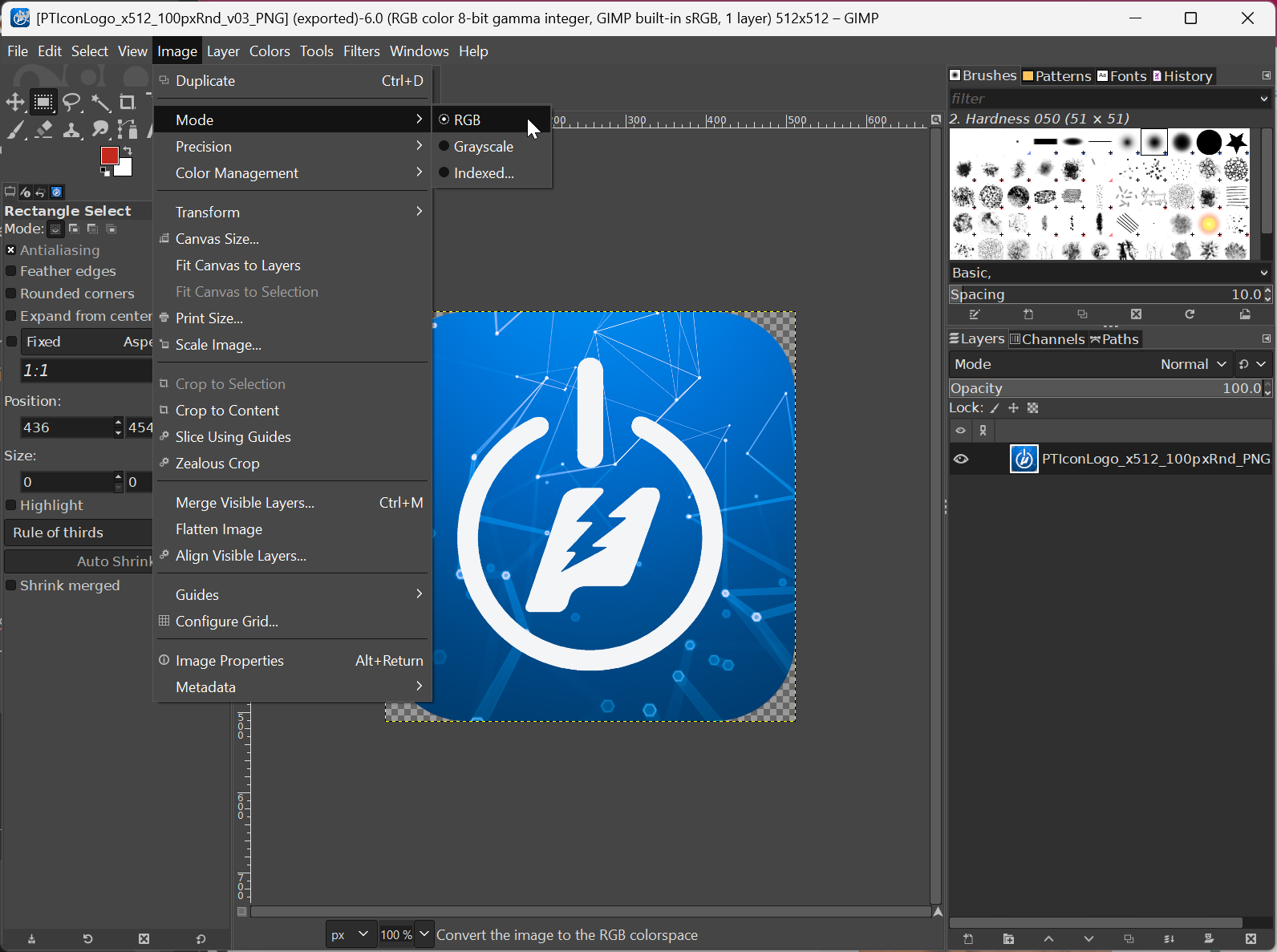
First, when you load the image into the GIMP, goto “Image -> Mode” and confirm that your set to “RGB”.
Afterwards, goto “File -> Export as…” and ensure that you give your new filename a “.PNG” extension.
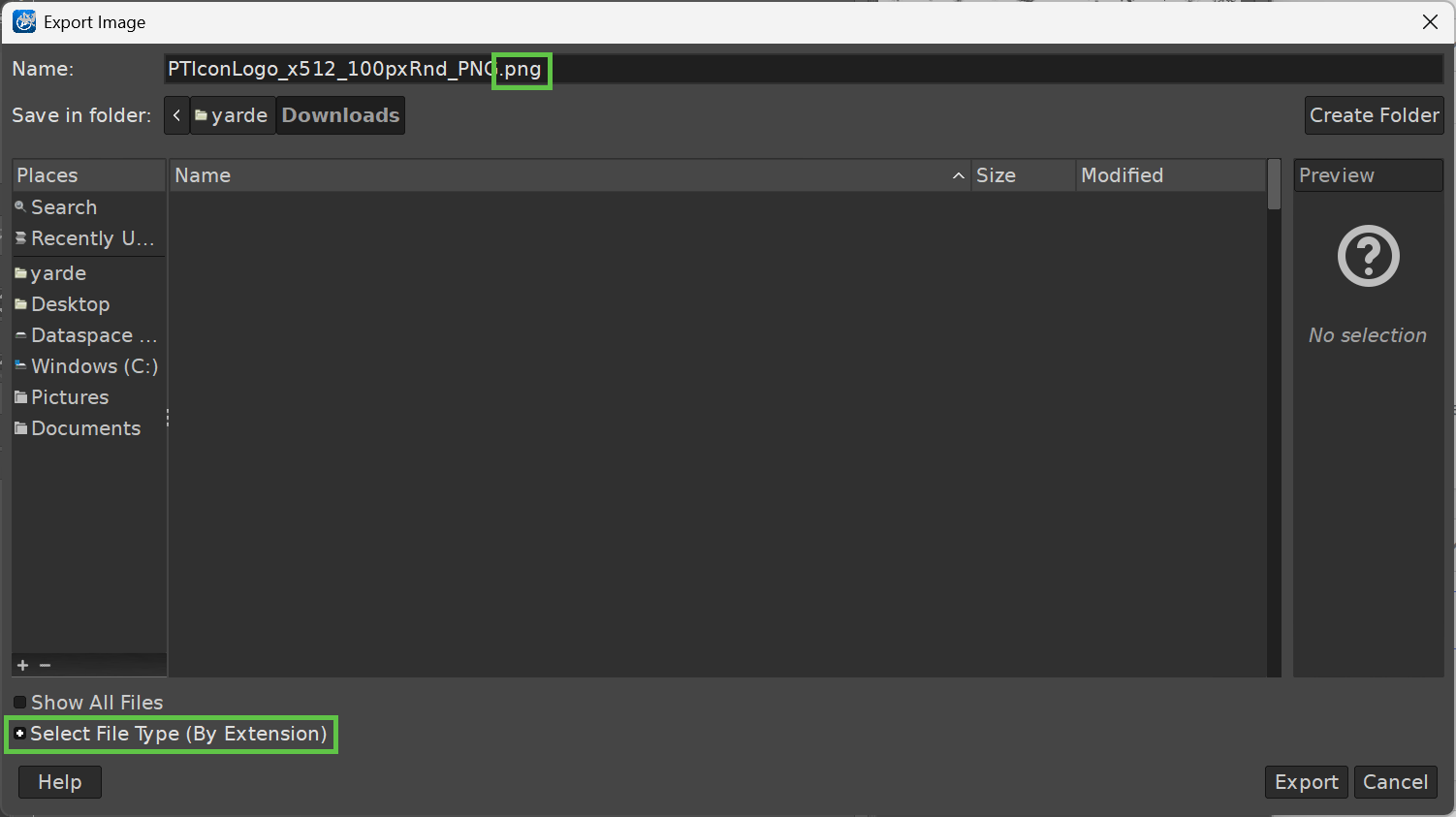
If “Select File Type (By Extension)” is checked at the bottom of the window – It should be by default – You will get a window similar to the one below:
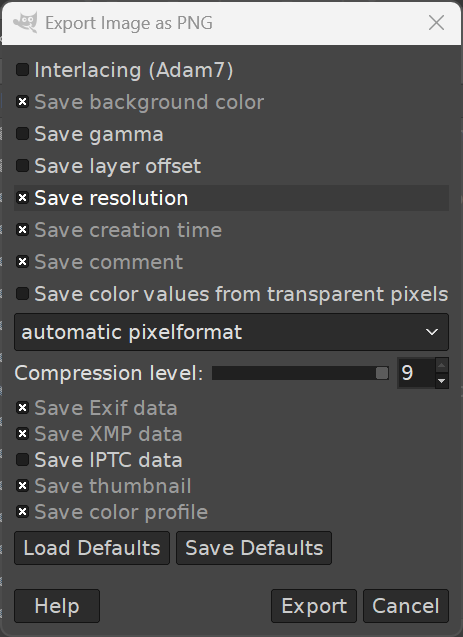
At this point, you will want to uncheck anything that is already checked and leave everything other than the dropdown box in the center along.
As for that dropdown box, change the value to: 8bpc RGBA
When you’re done, you should be left with the following:
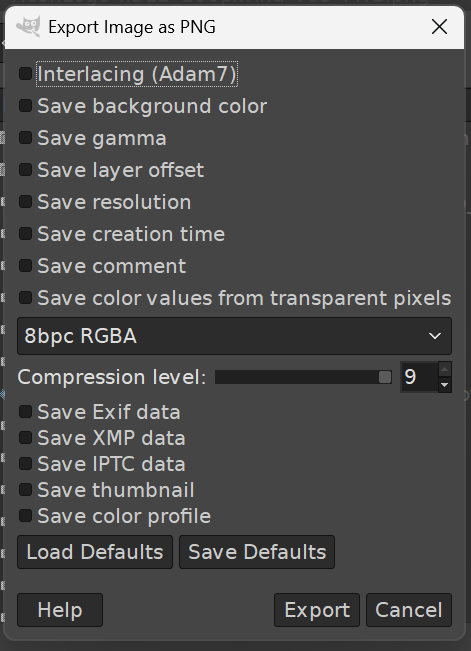
At this point, you’re safe to export your new PNG file. Once you have that, go back to your client editor and upload that as the application Icon.
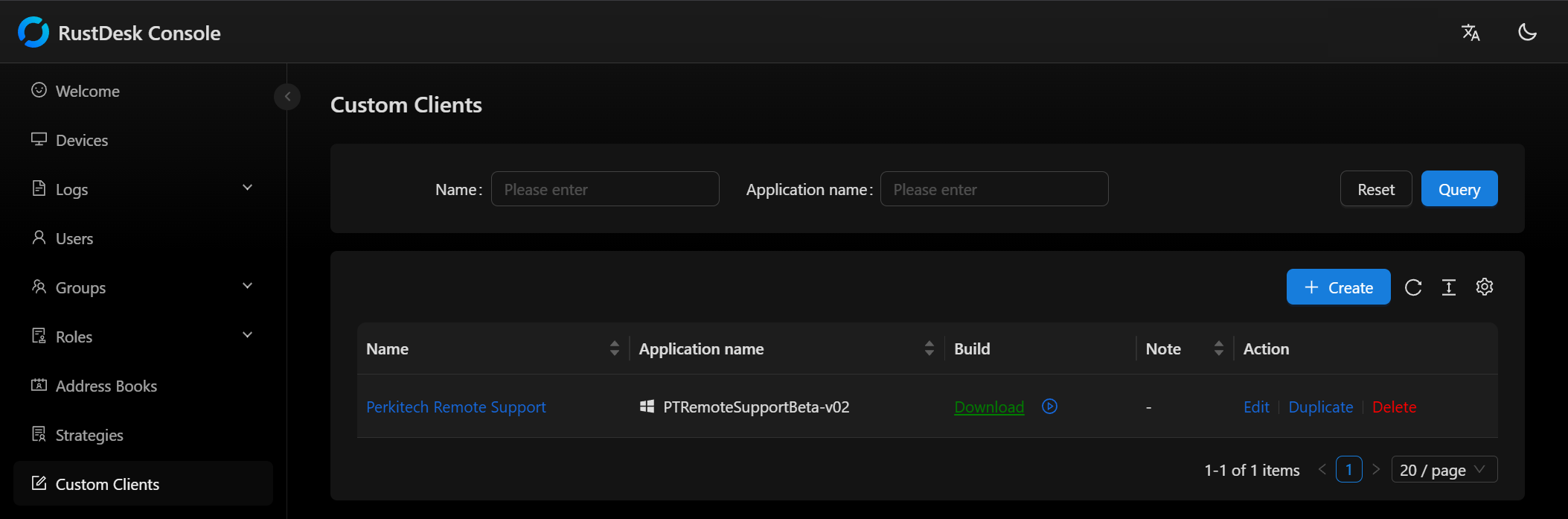
In the end, you should see this inside of your admin panel…
…and you should see this – or something similar – on your computer when you download your new client:
